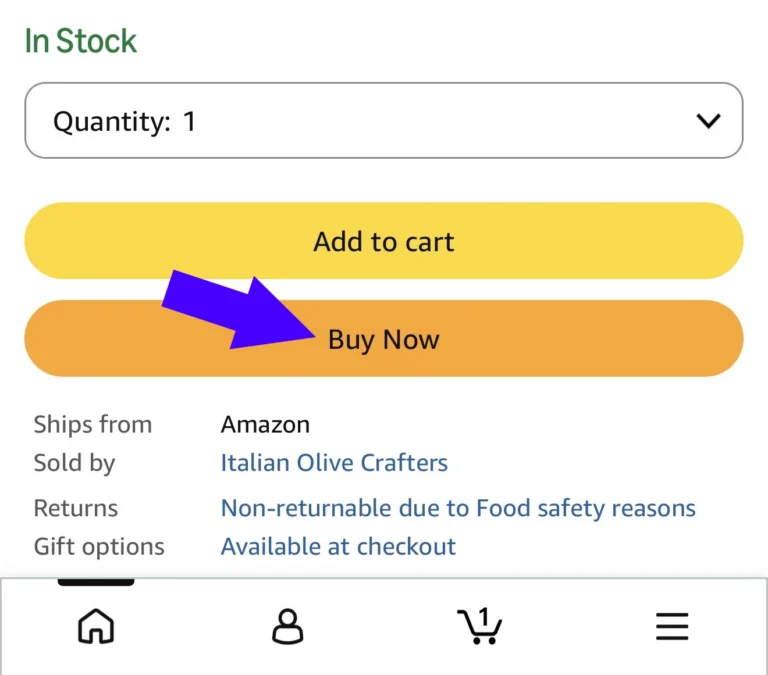
At the bottom of this page you will find a button that will copy the coupon code to your device clipboard. Then on Amazon: Click “Buy Now”
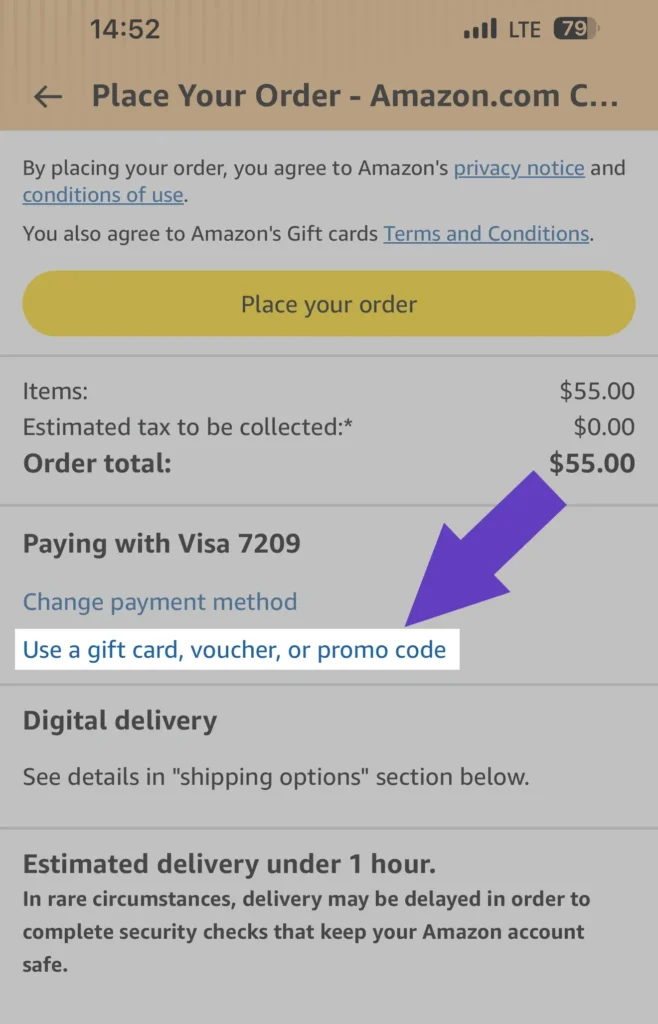
2. On the checkout page, Click “Use a gift card, voucher or promo code”
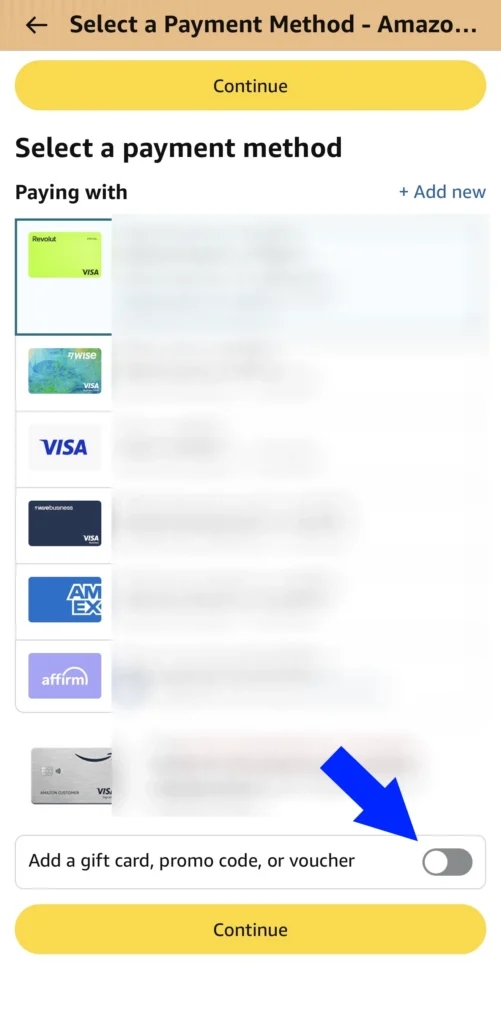
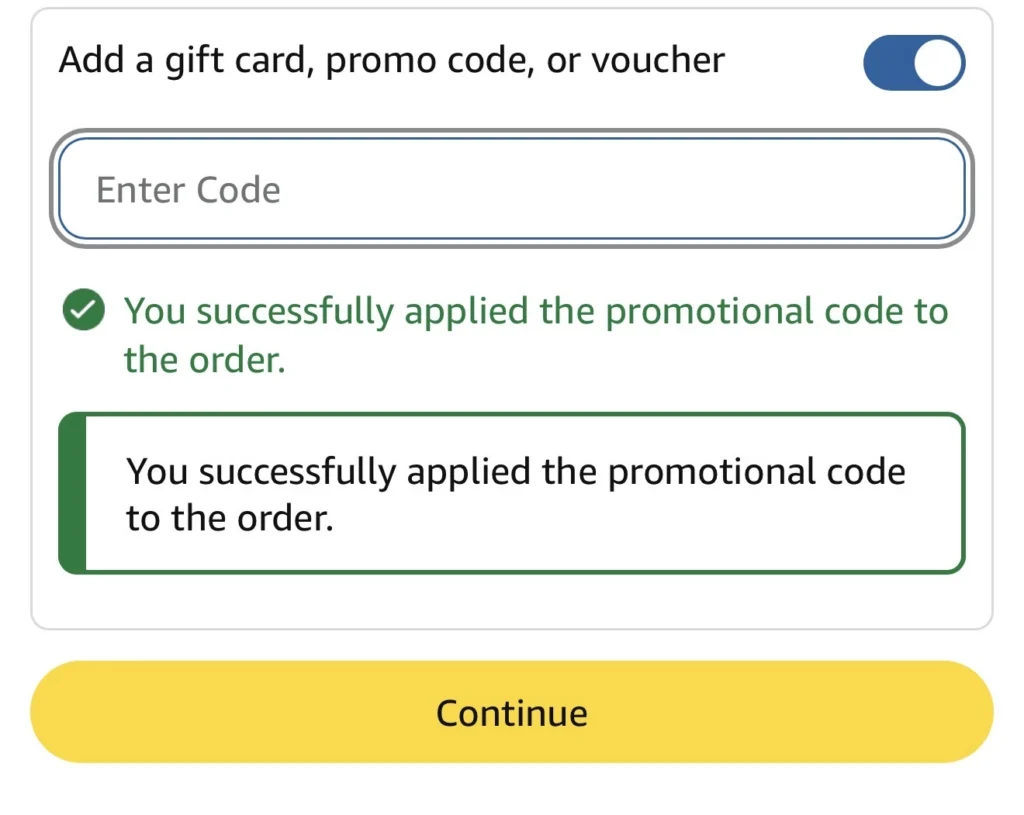
3. At the bottom, select the slider
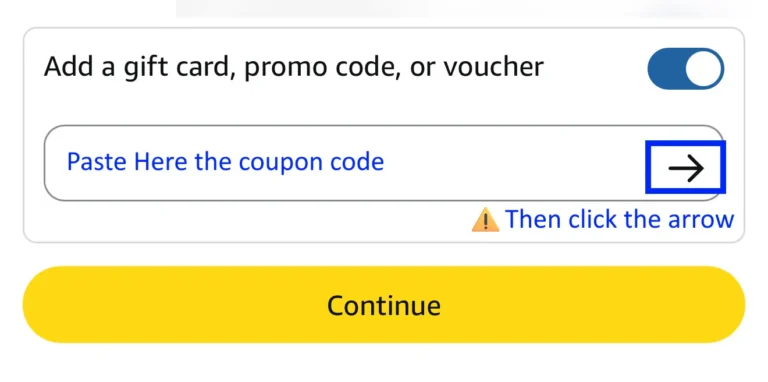
4. Paste the coupon code from the clipboard and click the arrow next to it to apply the code. Then click Continue
5. You will see a confirmation screen
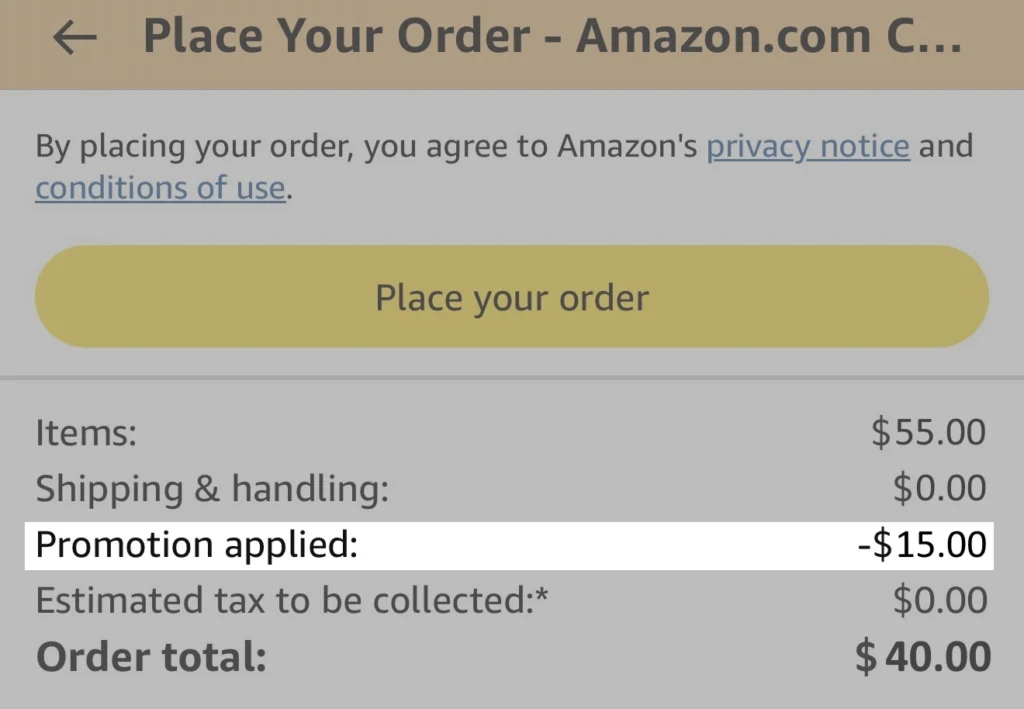
6. Now you will see the discount on the checkout page. The coupon code changes from time to time, so the discount may vary. If you encounter any problems contact us at: [email protected]
Click the button below to copy the coupon code to the clipboard. Amazon will open and you will be able to paste it in the checkout screen